Withdraw from the members' program from here.
※ * Note that once membership has been withdrawn it cannot be recovered.
Procedure
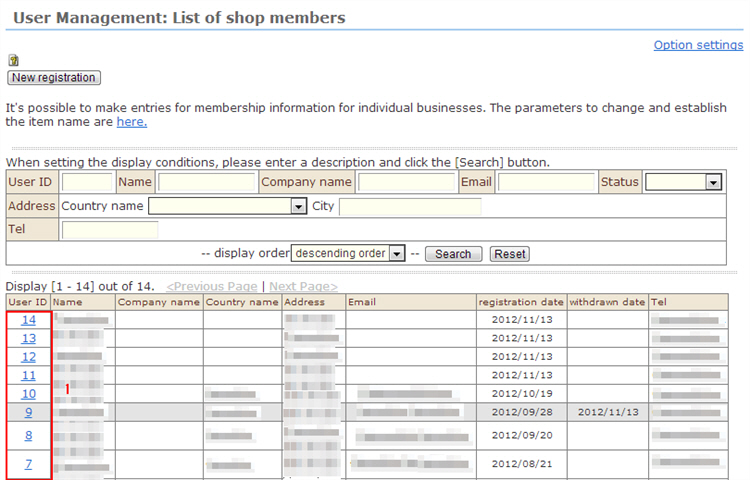
1. Click the name of the member whose membership you want to withdraw from the list. The "Change registration" screen will be displayed.
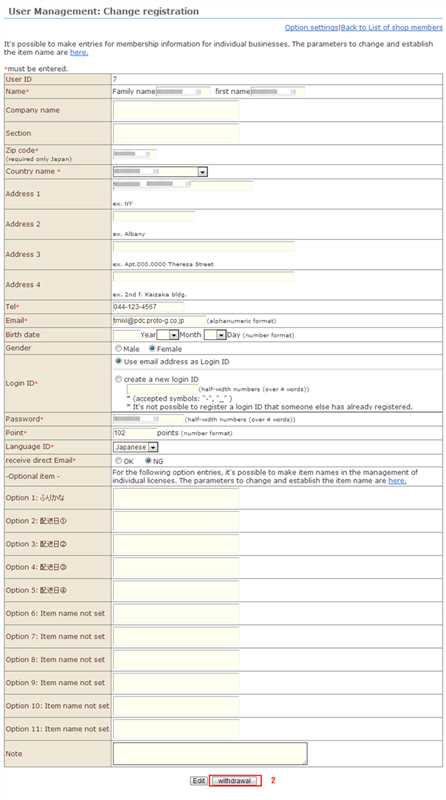
2. Click the [Withdraw] button to complete withdrawal of membership.
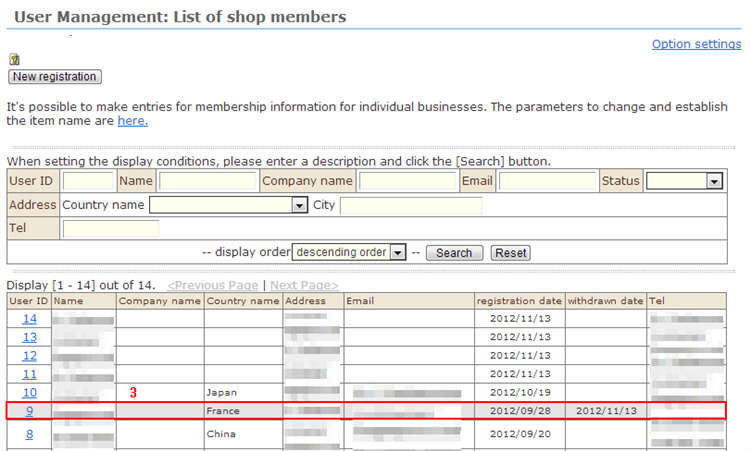
3. The withdrawn ID is grayed out, and this is reflected in the [Withdrawal date].