Procedure
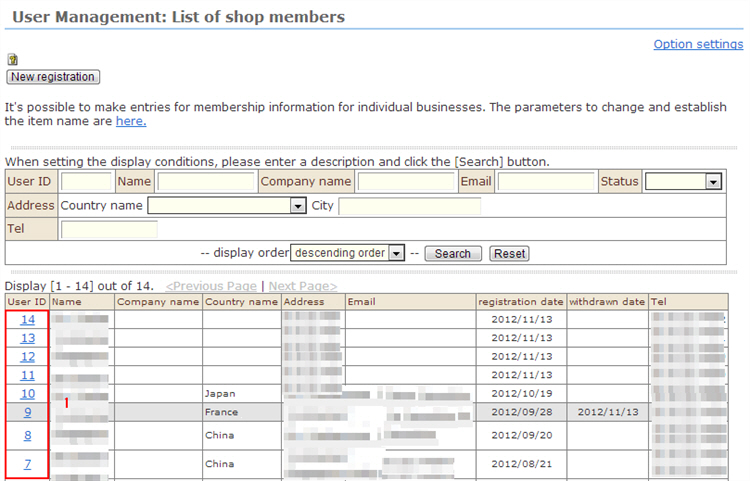
1. Click the ID of the member you want to confirm or edit from the "Member Management: Membership information" list. The "Change registration" screen is displayed.
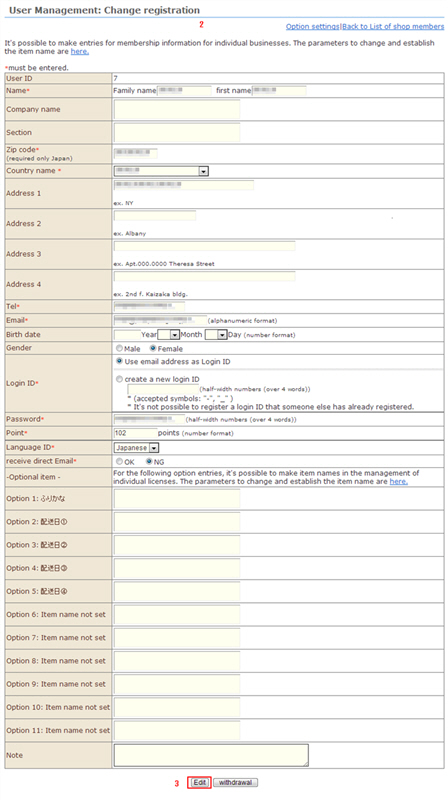
2. Edit the registered details.
3. Click the [Edit] button to complete editing.