Procedure
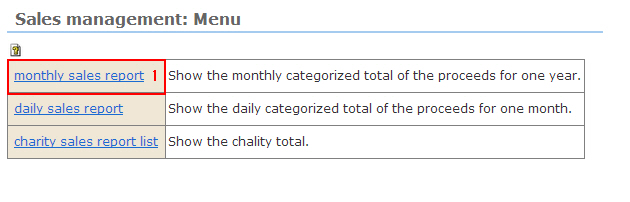
1. Click the [monthly sales report] link. The "Sales Management: monthly sales report" list is displayed.
2. To view past sales
Select the year in the selection menu.
※ You can confirm sales for last year and two years ago.
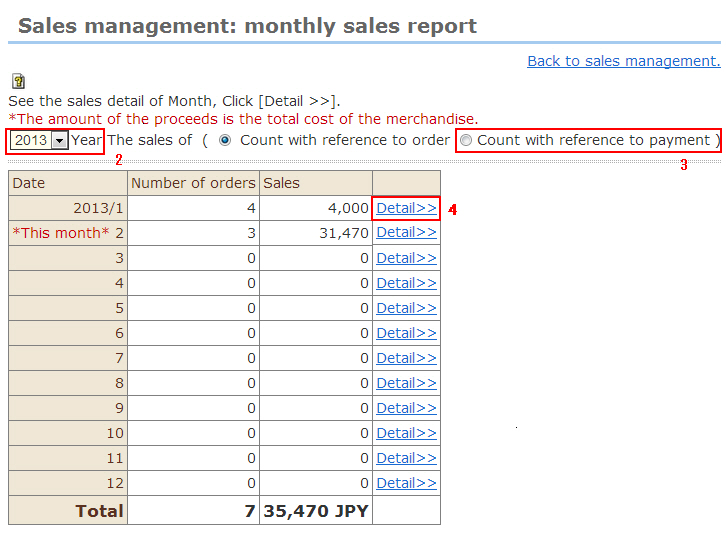
3. Count category (Order Date/Payment Date)
By default, totals are counted by order date.To count by payment date, select the [Count with reference to payment] radio button.
4. [Detail] link
Click the [Detail] link. The "Monthly: Detail" screen is displayed.
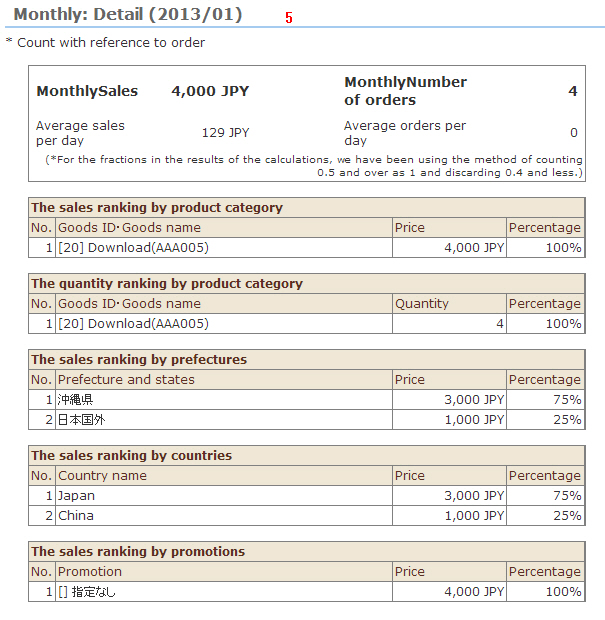
5. Monthly: Detail
This shows the order, amounts, etc. by product, category, prefecture, country, and promotion.