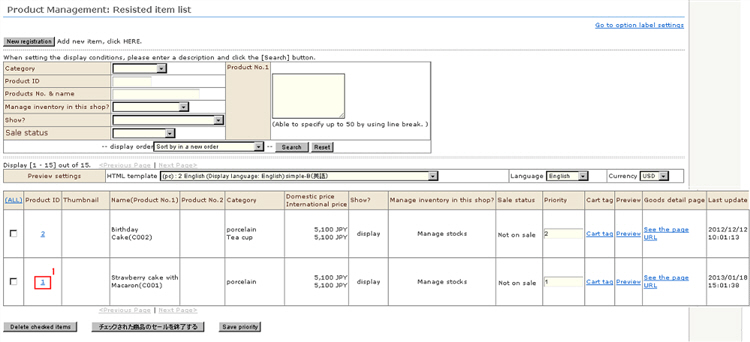
1. Click the Product ID from "Product Management: Registered item list" and re-open product information that has been saved once.
2. Register the product images and captions.
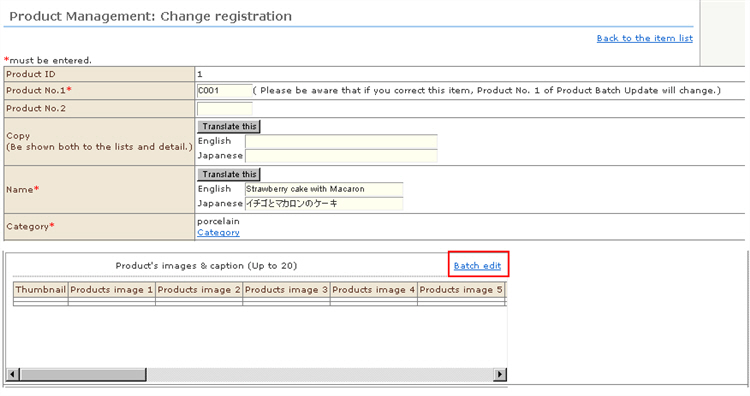
Click [Batch edit].
※ Up to 20 images and captions can be set.
3. Separate windows for product images, captions and changing registration are displayed.
Select the images on your PC from [Select image files] and upload the images.
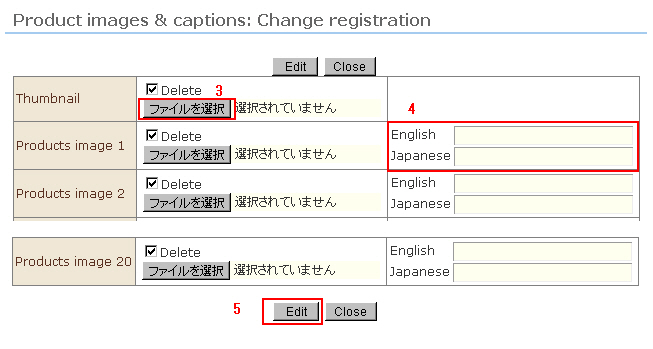
4. Enter the captions. (entry optional)
Thumbnails do not have captions.
5. Click the [Edit] button to complete registration.
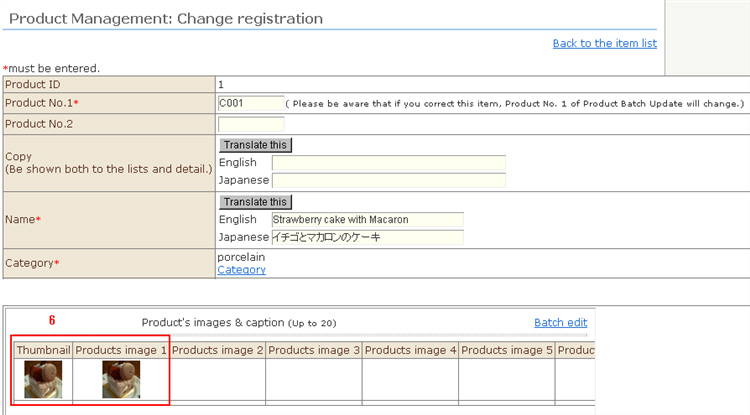
6. The thumbnails and product images are uploaded.