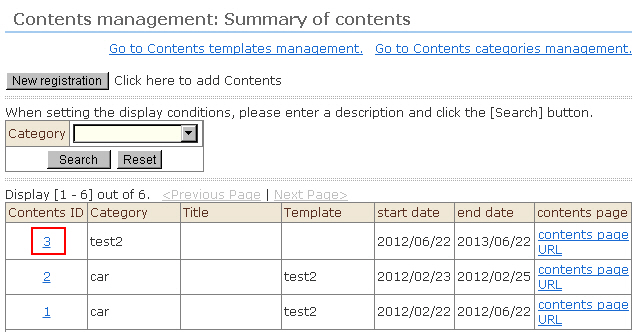
1. Click "Contents Management" from the menu. The "Contents Management" screen opens. On this screen, you can perform the following operations for each content type displayed in the list.
1) Click "Content page" for the respective content. The display moves to the corresponding content screen that is public.
2) If you click "URL" for a particular content category, the URL for that content item will be displayed.
2. To confirm and edit the details of content, click the content ID.
3. The "Contents Management: Change registration" screen will open. Correct the details, and click the [Edit] button.
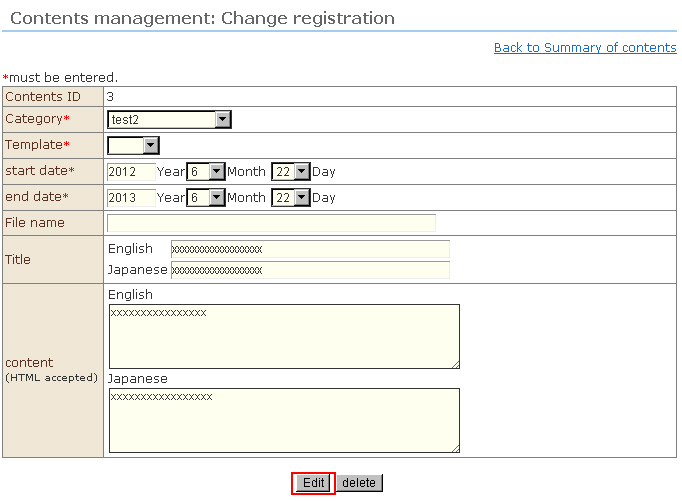
4. After the confirmation message, the content details will be changed.