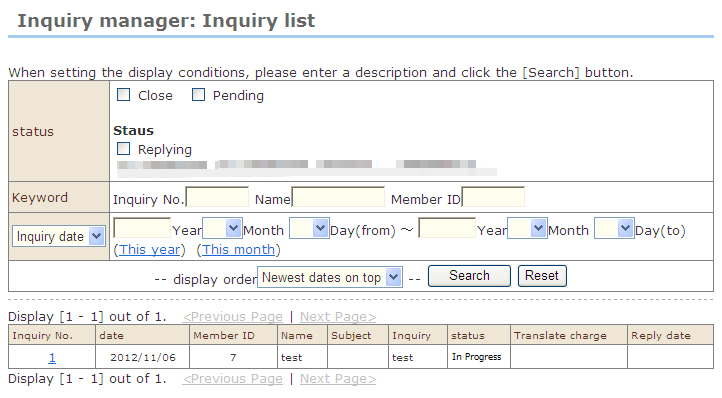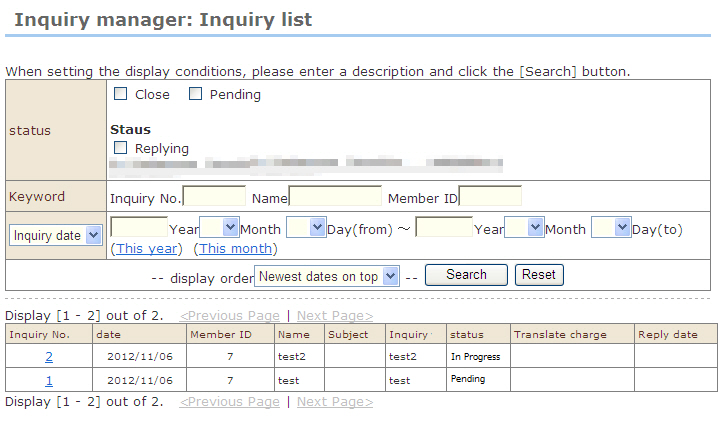
1. At "Inquiry manager: Inquiry list", select the inquiry you want to delete.
2. The "Inquiry manager: Inquiry details" screen opens.
3. Click the [Delete inquiry data] button in the screen.
4. The confirmation message is displayed. (The inquiry will be deleted, however, the translation that was ordered for the inquiry will not be deleted.) Click [OK].
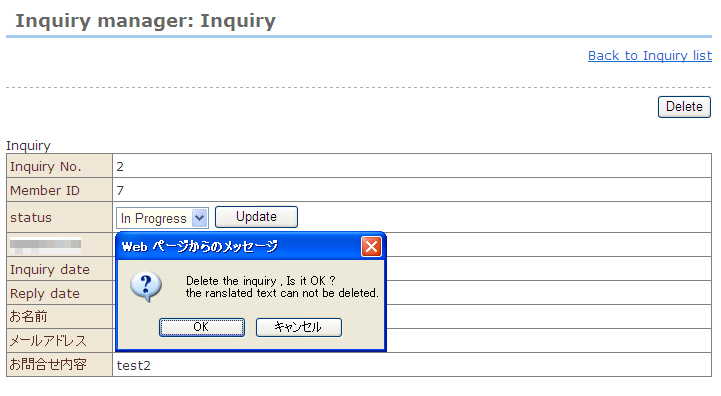
5. The inquiry is deleted.