Procedure
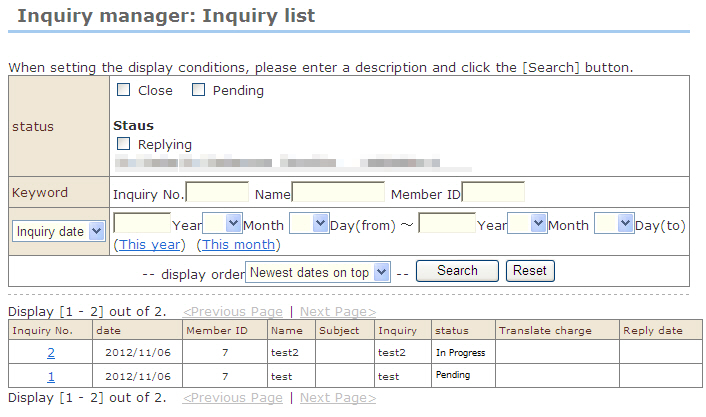
1. At "Inquiry manager: Inquiry list", display the target inquiry.
※ For unanswered inquiries, the "Status" item is displayed in red and "Unanswered" is displayed.
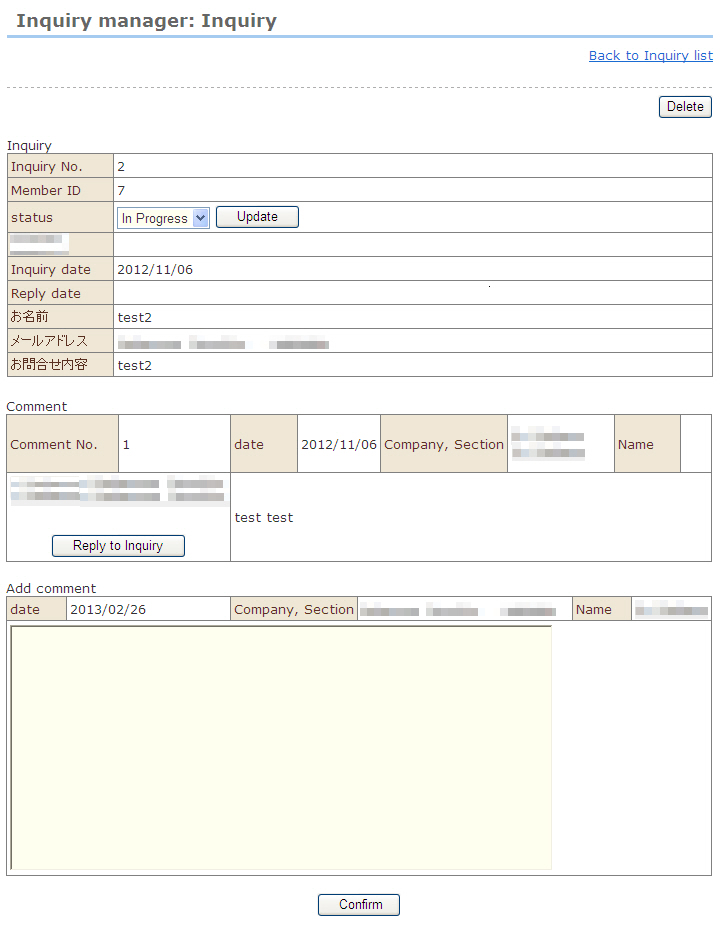
2. Click the number of the inquiry you want to reply to.
3. Enter a comment to the customer, and click the [Check entry] button.
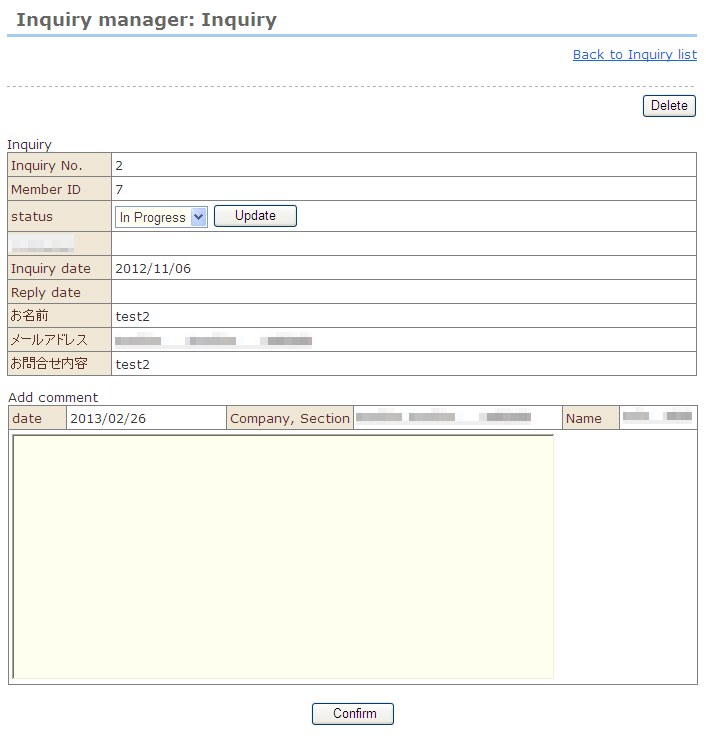
4. Check the entered comment, and click the [Register] button.
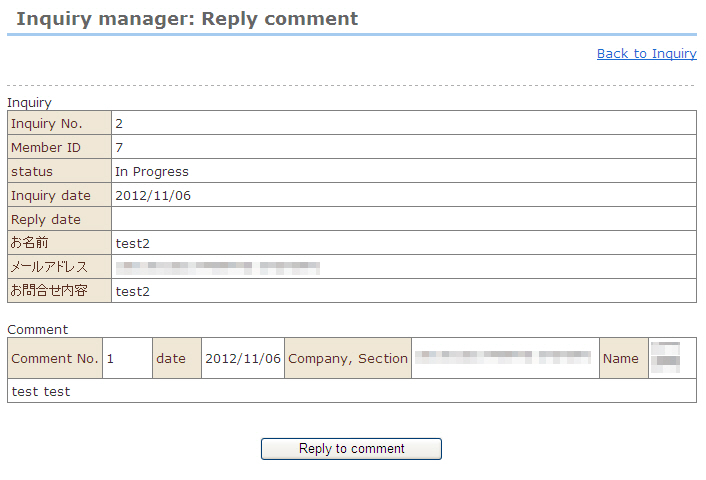
5. The display moves to the "Inquiry manager: Return comment" screen.
Click the [Return this comment] button. The comment is inserted in the "inquiry response" template at Email Settings as a Q&A comment, and is returned to the questioner.