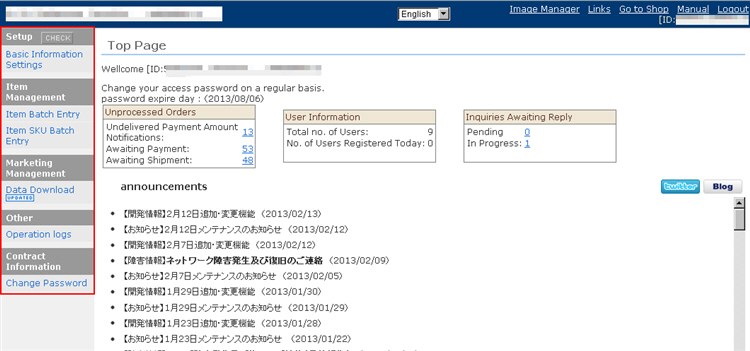
1. Note down the sub-user's login ID and password, and log out from the top right of the screen.
(Main users and sub-users cannot log in at the same time on the same PC.)
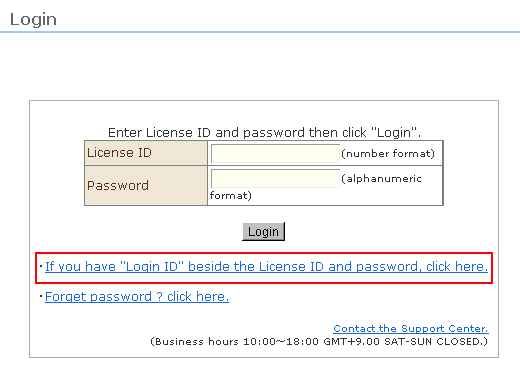
2. In the login screen for the main user, click "If you have a "Login ID" besides the License ID and password, click here.".
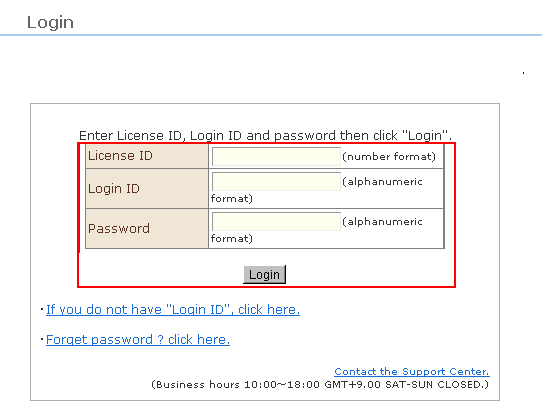
3. The login screen for sub-users opens. Enter the "Store ID", "Login ID" and "Password", and click the [Login] button.
4. You have not logged into the sub-user management screen. Confirm that the operation menus are limited to use by sub-users.