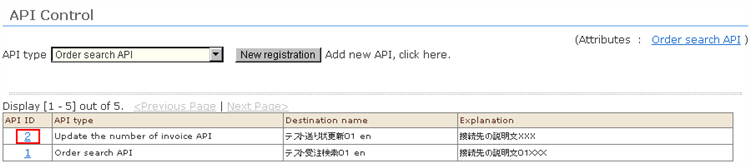
1. Click the ID of the connection destination you want to edit from the "Link API control" list.
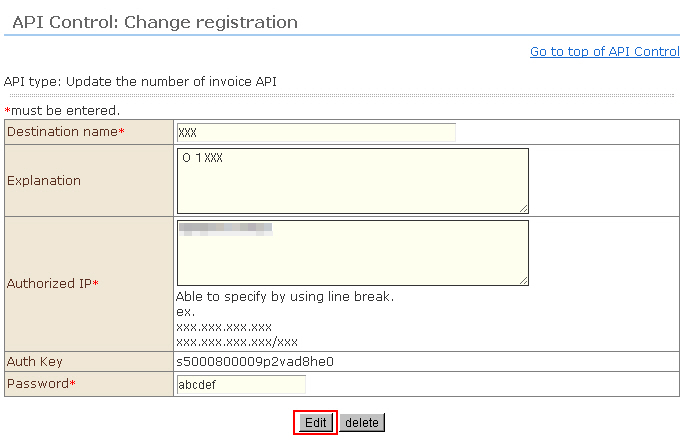
2. The "Link API control: Change registration" screen will open.
3. To edit setting information of API link destinations, correct the display details, and click the [Edit] button.
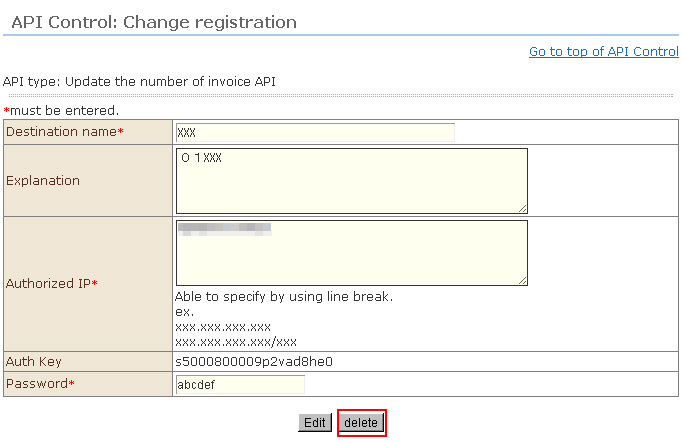
4. To delete an API link destination, click the [Delete] button.