Upload images in your PC to the server.
Procedure
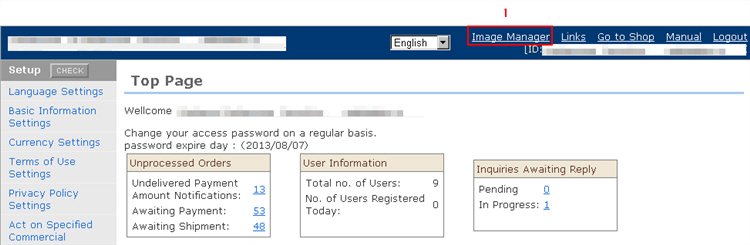
1. Click "Image Manager" at the top right of the store management screen top.
2. Select the image from the PC with the [Open] button.
3. Click the [Upload image files] button. The images are uploaded to the server.
