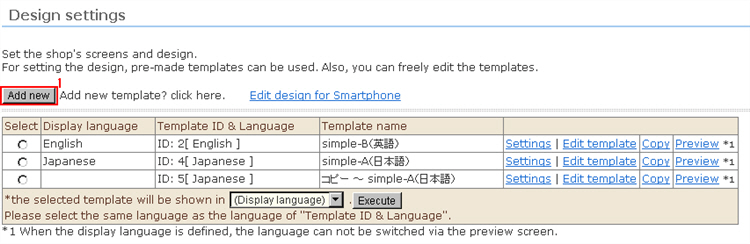
1. Click the [Add new] button.
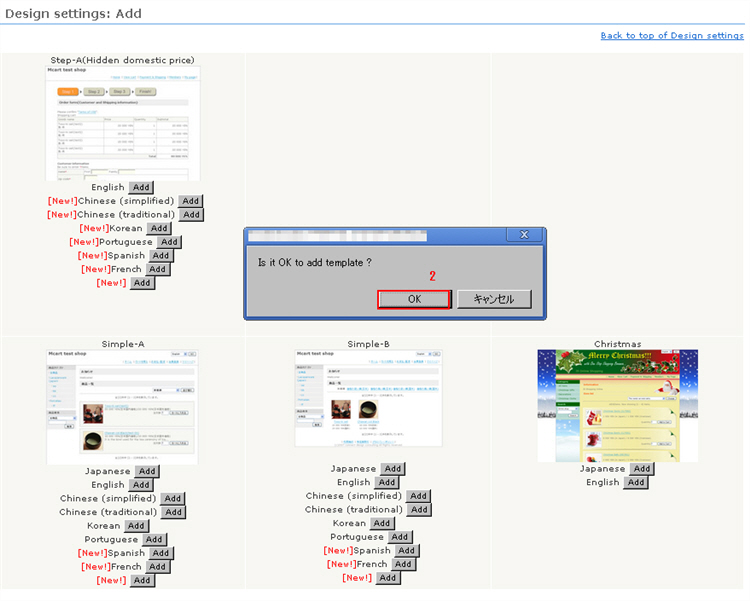
2. Design Settings: The screen for adding templates opens. Select the language for the desired template, and click the [Add] button.
3. The confirmation message will be displayed. Click [OK].
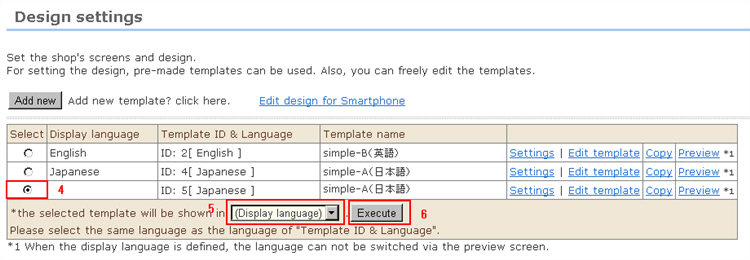
4. Choose which language to select on the imported template.
Click the radio button for the template you want to use.
5. Select the desired display language from the [Display] pulldown menu.
6. Click the [Execute] button.
To use an image, call the Image Manager window by clicking the [Image Manager] button at the top right.
When input is finished, click the [Save] button.