Procedure
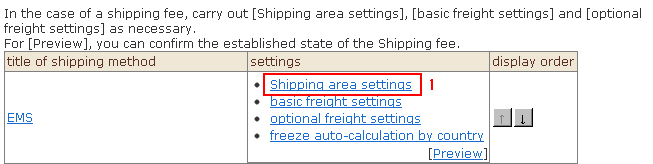
1. Click "Overseas shipping area settings" from the list. The "Overseas shipping area list" screen will be displayed.
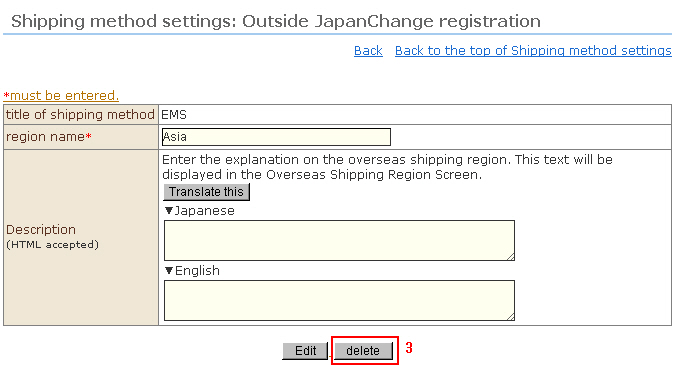
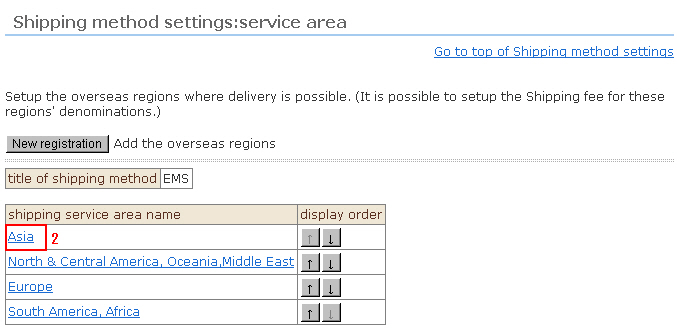
2. Click the "Region name" to delete from the list. The "Change registration" screen will be displayed.
3. Click the [Delete] button to complete deletion.