Procedure
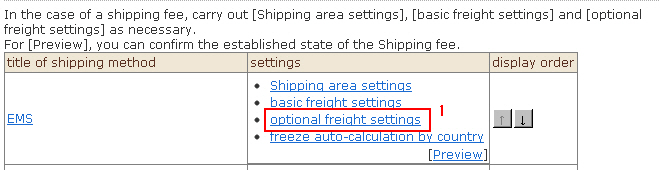
1. Click "Optional freight settings" from the list. The "Optional freight settings" screen will be displayed.
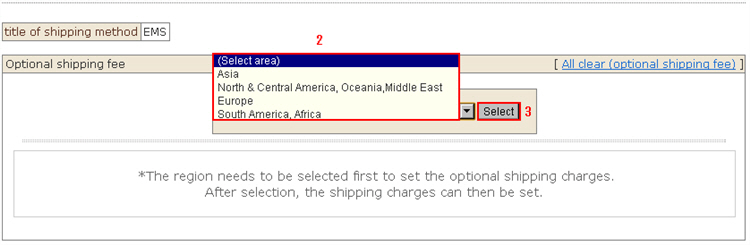
2. Select the "Region name" you want to edit from the list.
3. Click the [Select] button. The optional freight screen for the selected region will be displayed.
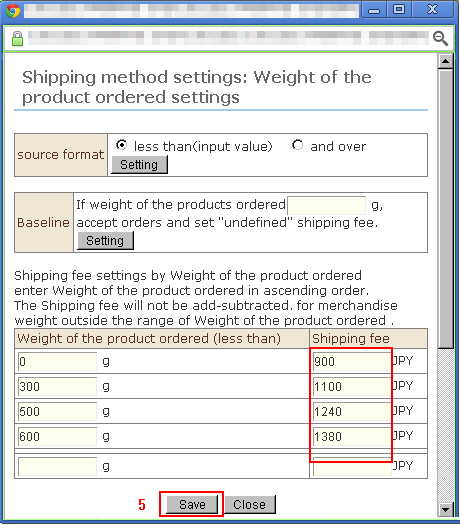
4. Click [Shipping fee settings] for the setting to edit. A sub-window for entry opens.
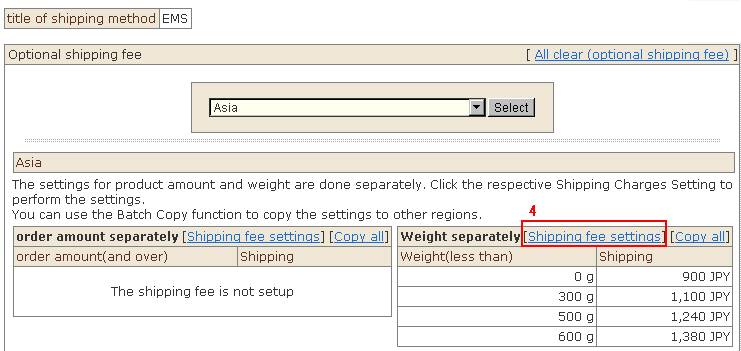
4. Edit the registered details.
5. Click the [Save] button to complete editing.
6. All entered optional freight settings can be cleared.
*Optional freight settings that have been entered by individual set region cannot be cleared.
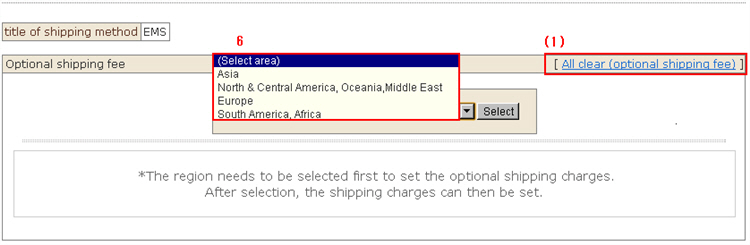
(1) Click "All clear (optional shipping fee)" on the right of the Optional freight settings screen.
(2) Click the [All clear (optional shipping fee)] button.
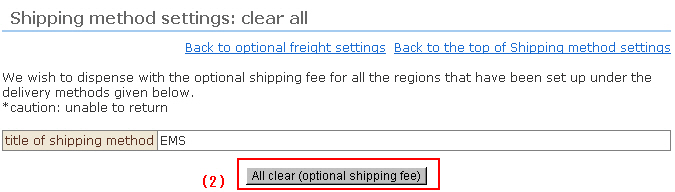
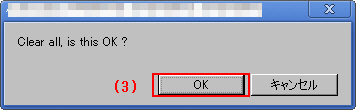
(3) The confirmation message is displayed. Click the [OK] button.