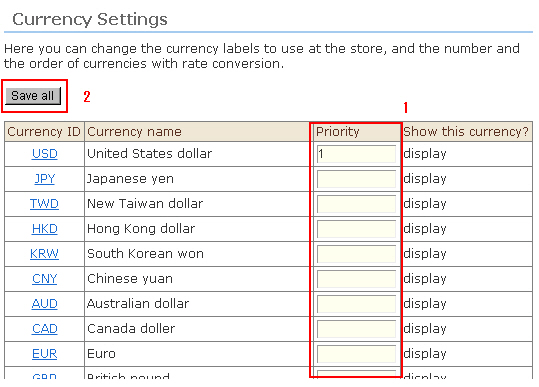
1. In the list display screen for setting the currency, enter the sort order of the dropdown list for currency selection at "Currency Display Order". The smaller the number, the higher the sort order becomes.
2. Click the [Save all] button.
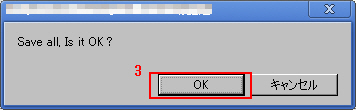
3. The confirmation message is displayed. Click [OK]. All sort orders are saved.
Be sure to check the newly changed currency label and sort orders in the actual online shop screen.