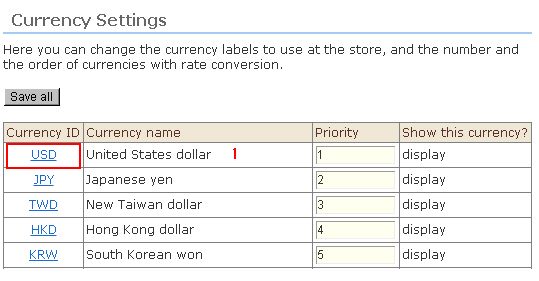
1. Click the [Currency ID] you want to edit.
2. The Currency Setting screen opens.
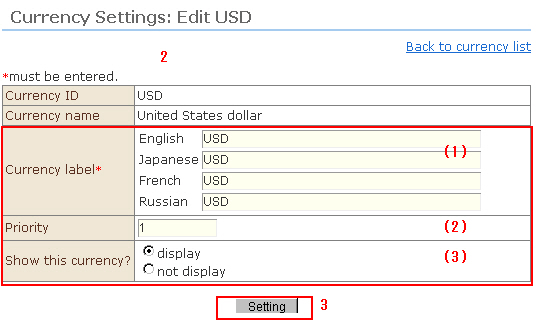
(1) Currency label
This is the display name of the currency displayed according to individual language. You can edit the name as desired.
(2) Currency display order
This is the sort order of the dropdown list for currency selection. The smaller the number, the higher the sort order becomes.
(3) Store visibility
Select whether or not to display this currency in net shops. When "Do not display" is selected, that currency is no longer displayed in the exchange rate edit display.
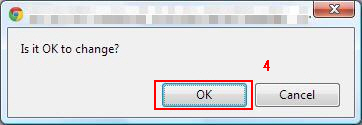
3. When the [Setting] button is clicked, a confirmation message is displayed.
4. Click [OK]. The edits are saved.